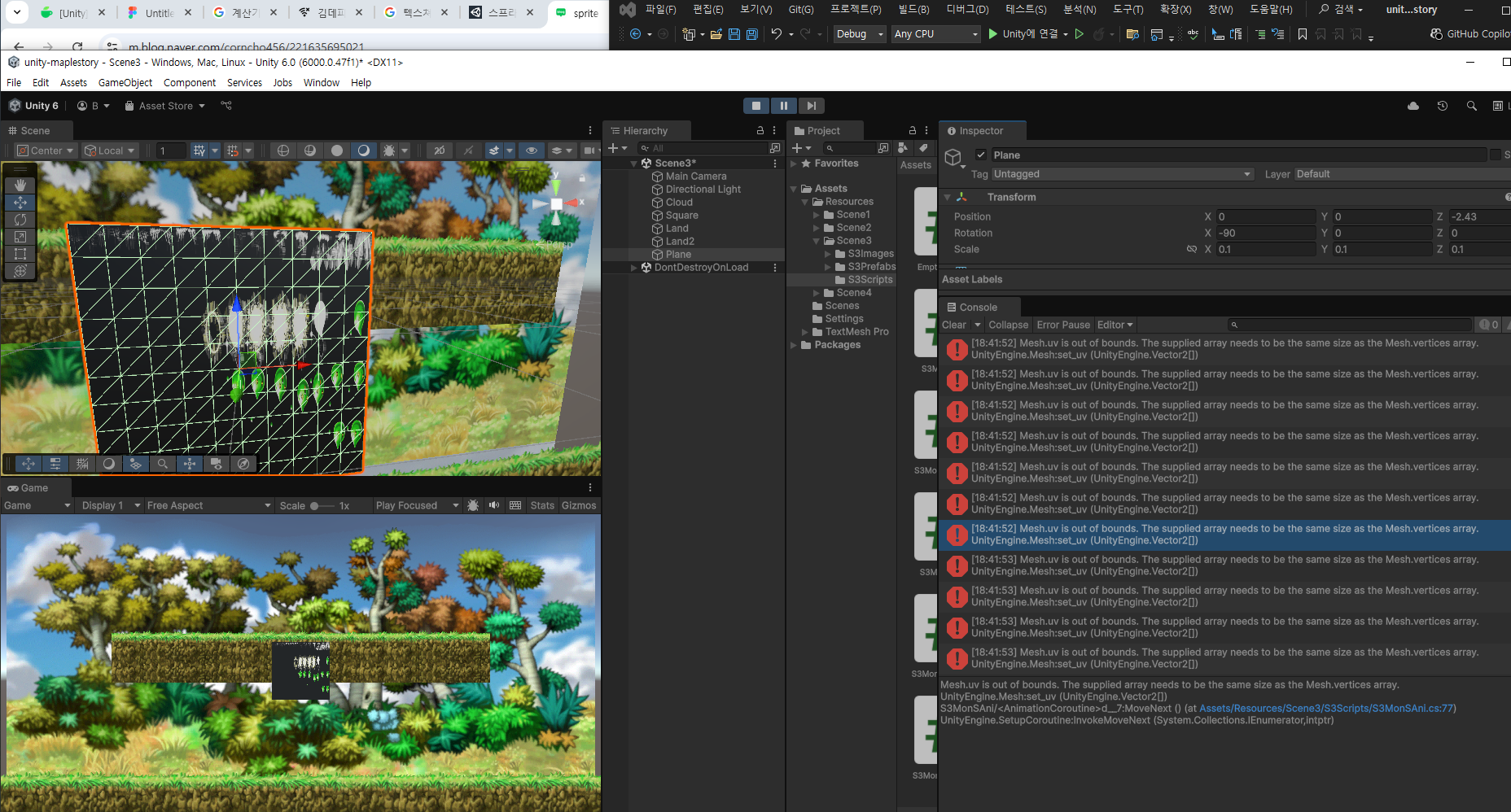
아마도 직접만든 메쉬가 아니면 작동을 안하는거 같다... 난 슬프다,, 머테리얼에 들어가는 이미지 수치를 줄였다
그냥 컴포넌트를 추가하였다.
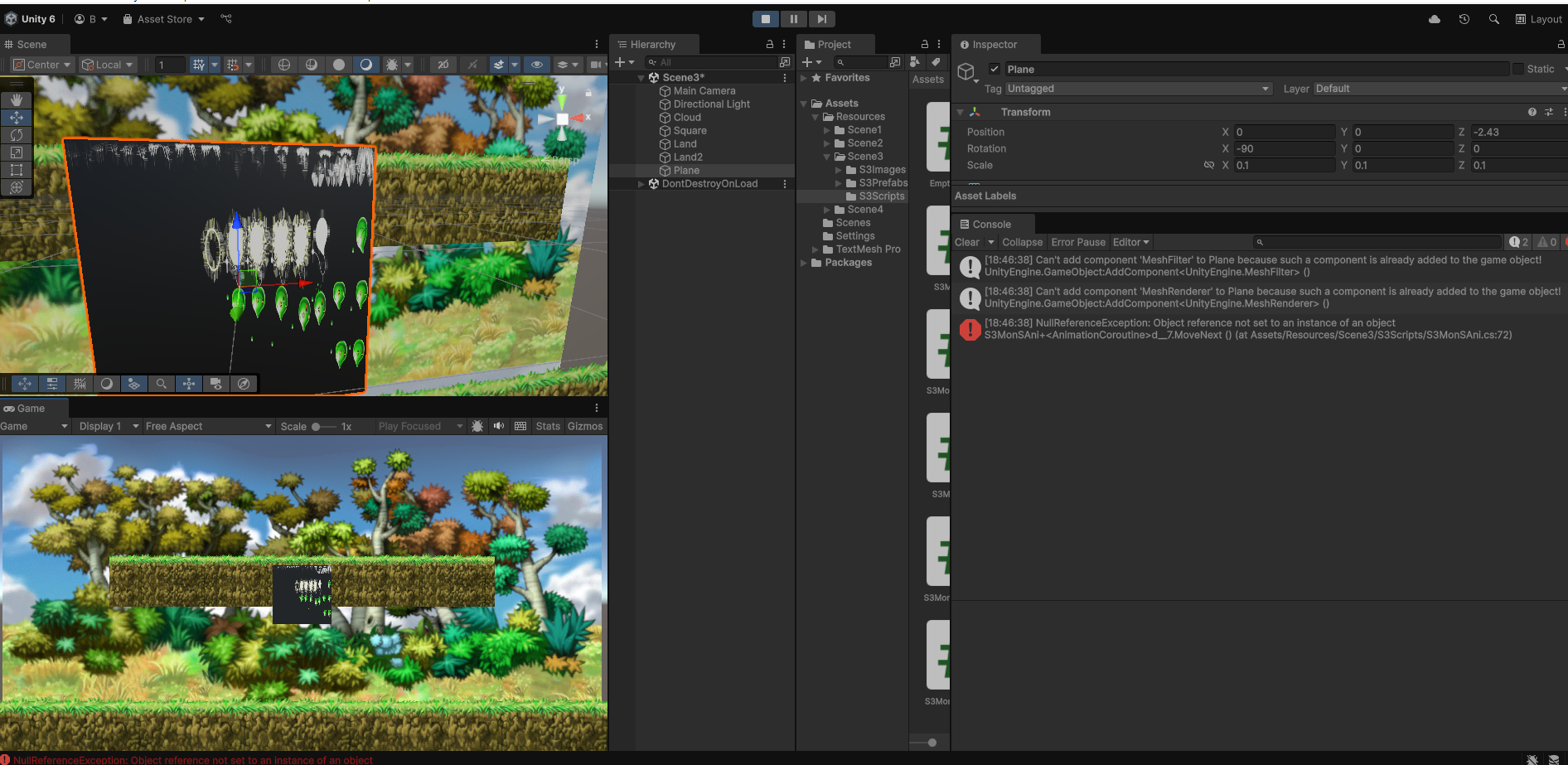
Mesh mesh = mf.mesh;
if삼항연산자가 왜 또는 안될까?

거지같이 써서 그런거였다 앞으로 똑히 보자

10시간 이상 헤매고 있는 코루틴,,,
코루틴으로 몬스터가 스폰된 포지션에서 움직이게 하기
시도 1
OnCollisionStay2D 로 계속 작동하게 하기
if (_collision.gameObject.CompareTag("Land")) -> 랜드에 닿아있을 경우에 StartCoroutine인 실행이됨
    private void OnCollisionStay2D(Collision2D _collision)
    {
        //if (rb != null)

        if (_collision.gameObject.CompareTag("Land"))
        {
            StartCoroutine("MonMovingCrt");// StartCoroutine 매니저가 하면 좋음
        }
    }
StartCoroutine
    public override IEnumerator MonMovingCrt()
    {
        float h = Input.GetAxis("Horizontal");
        Vector3 moveVelocity = Vector3.zero; // 움직일 값
        yield return null;
        {
            while (true)
            {
                float rbaX = rb.transform.position.x; //몬스터의 값
                float cbLandXHalf = cbLand.size.x * 0.5f; //랜드콜라이더 박스의 절반 : 4
                float landCenter = land.transform.position.x; // 월드에서 랜드의 중심 x값 ex2
                float landRightEnd = landCenter + cbLandXHalf - 1f; 2 + 4 -1 = 3f 몬스터가 갈 수 있는 최대 오른쪽의 수
                float LandLeftEnd = landCenter + (-cbLandXHalf) + 1f; 2 + (-4) +1 = -3f 몬스터가 갈 수 있는 최대 왼쪽

                ani.SetBool("ismove", true); //스프라이시티 무브 트루로하기
                moveVelocity.x +=  Time.time * direction; // move Vellocity.x 값을 시간과 방향으로 지정
                float y = transform.position.y; // 스폰완료시 떨어진 와이값으로 지정
                Debug.Log("떨어진 y값" + y); //
                if ((int)rbaX == LandLeftEnd) // 현재 몬스터의 리지드바디값이 랜드앤드와 같아졌을 경우
                {
                   direction *= -1; // 방향을 바꿔라
                }
                else if ((int)rbaX == landRightEnd) // 현재 몬스터의 리지드바디값이 랜드앤드와 같아졌을 경우
                {
                    direction *= -1; // 방향을 바꿔라
                }
                transform.Translate(moveVelocity *0.2f); //위에 지정된 값들로 몬스터 움직이기
                yield return wait6Sec;
            }
        }
    }
문제 상황 반전 direction이 되지 않음
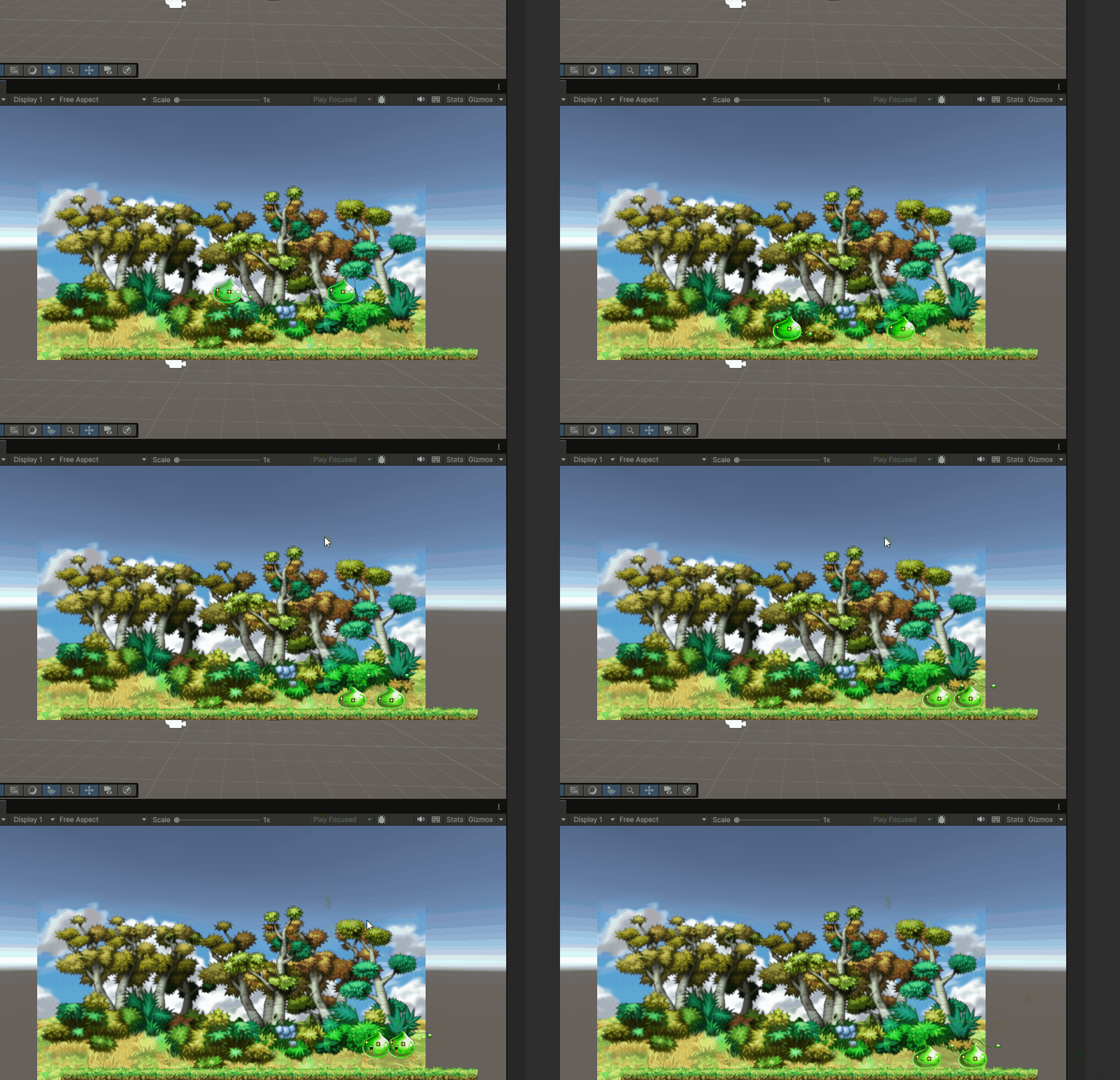
흠,, 알 수 가 없다~~
다른 시도 OnCollisionEnter2D 한번만 적용하기 MonMovingCrt이 Update()에 있어야한다. 그러나 land에 닿인걸 판정후 시작 하여야 한다. 그래서 코드 분리가 필요하다.
그러하여 2번째 시도도 실패하였다.
3번째 시도
선형보간 이용하기
using System.Collections;
using UnityEngine;

public class ETCCube : MonoBehaviour
{
    [SerializeField] private Transform leftTr = null;
    [SerializeField] private Transform rightTr = null;


    private void Start()
    {
        StartCoroutine(PathCoroutine());
    }

    private IEnumerator PathCoroutine()
    {
        float t = 0f;
        while (true)
        {
            transform.position =
                Vector3.Lerp(leftTr.position, rightTr.position, t);
            t += Time.deltaTime * 0.5f;
            if (t >= 1f) t = 0f;

            yield return null;
        }
    }
}
실패!! static으로 moveVelocity 선언하면 바뀌는 값이 들어가지만 몬스터가 움직이는게 한개가 반응을하면 다른것도 반대로 움직이게 됨
public override IEnumerator MonMovingCrt()
{
    yield return null;
    while (true)
    {
        float rbaX = rb.transform.position.x;
        float cbLandXHalf = cbLand.size.x * 0.5f;
        float landCenter = land.transform.position.x;
        float landRightEnd = landCenter + cbLandXHalf - 1f;
        float landLeftEnd = landCenter + (-cbLandXHalf) + 1f;
        float t = 0f;
        float rblandX = rbLand.transform.position.x;

        Debug.Log("슬라임rb 위치" + rbaX);
        Debug.Log("랜드 왼 끝" + landLeftEnd);
        Debug.Log("랜드 오 끝" + landRightEnd);
        Debug.Log("랜드 반" + cbLandXHalf);
        ani.SetBool("ismove", true);

        transform.position = Vector2.Lerp(rb.transform.position, moveVelocity, t);

        t += Time.deltaTime * 0.002f;

        Debug.Log("떨어진 y값" + y);

        if ((int)rbaX == landLeftEnd)
        {
            //moveVelocity *= -1;
            yield return moveVelocity.x = landRightEnd;
        }

        if ((int)rbaX == landRightEnd)
        {
            // moveVelocity *= -1;
            yield return moveVelocity.x = landLeftEnd;
        }

        if (t >= 1f) t = 0f;

    }
}'유니티' 카테고리의 다른 글
| [유니티] 움직임 override Layer, 블렌더 사용 (0) | 2025.05.01 |
|---|---|
| [유니티] animaiton & asset (0) | 2025.04.30 |
| [유니티] 텍스처 with C# (0) | 2025.04.18 |
| [유니티] Texture (5) | 2025.04.18 |
| [유니티] 카메라, 쉐이딩, 조명, 그림자 (1) | 2025.04.18 |


